Note: Screenshots in this documentation show our white-label platform interface. Your Sokka Reviews dashboard has identical features and functionality with Sokka branding.
Set up FOMO Popups
FOMO Popups are a powerful, premium feature of Sokka Reviews that allows you to display timely social proof as notifications on your website. They are great for increasing conversions with the fear of missing out (FOMO) factor.This guide instructs you on how to set them up.
Firstly, head to theFOMO Popups page.
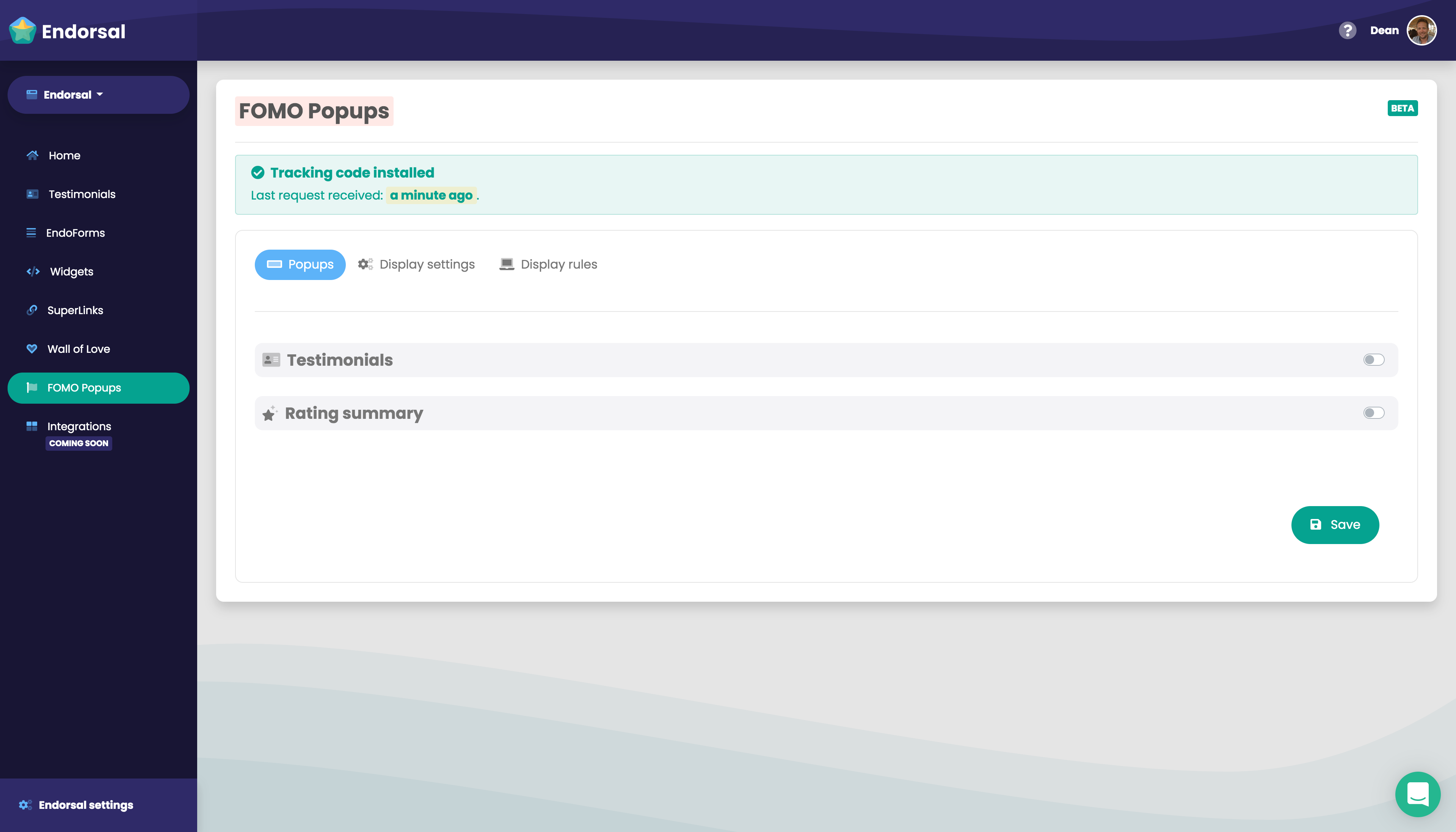
"Popups" tab
Here you'll see there are two types of popup you can use,TestimonialsandRating summary. To activate either, use the switch to turn them on.
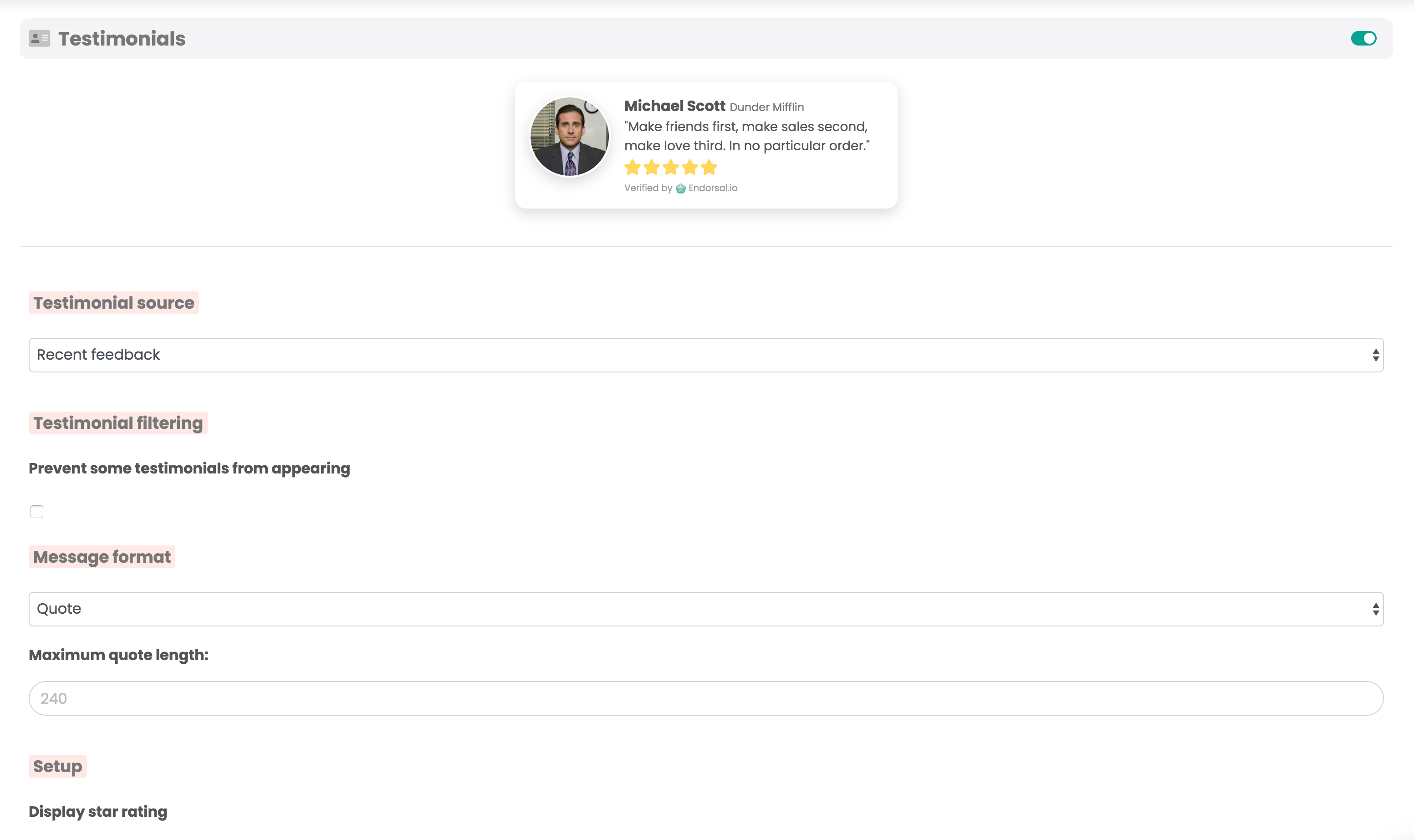
Testimonials
Turning this on will allow you to display testimonials as a social proof popup to encourage visitors to become customers. You have a few options:— Testimonial source
Recent feedback:all testimonials, ordered by featured status, then date added.
Chosen by youis exactly that — search for specific testimonials and add them to a list.
— Testimonial filtering
Here you can prevent some testimonials from showing by adding them to a blacklist
— Message format
Choose between two display formats, one with the testimonial comments and the other without.
— Setup
Various options for the display of the popup as well as filters to exclude certain testimonials.
One powerful feature here is the ability toshow a call to action. This is very useful to sending potential customers to the right part of your website (for example: sign up), at the right time.
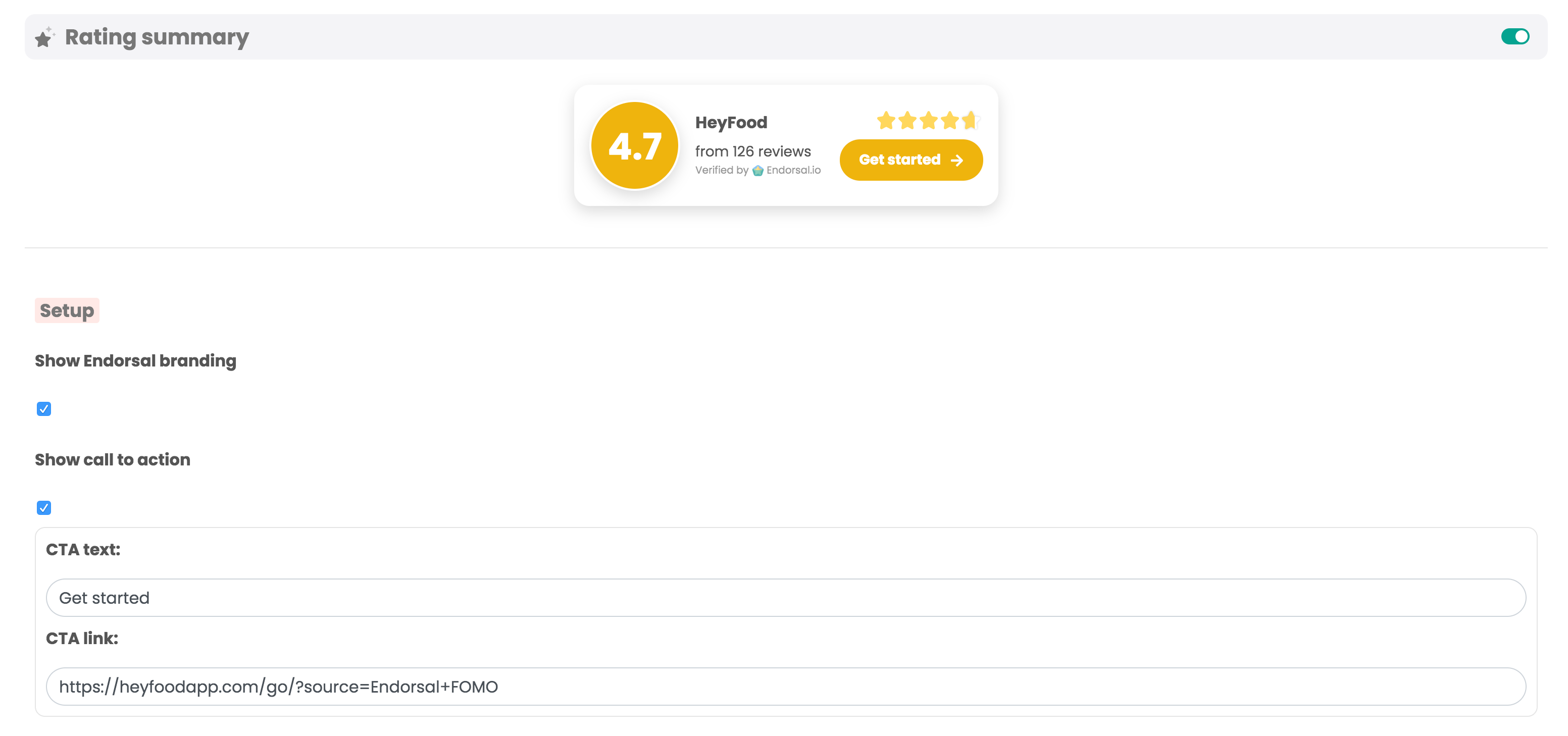
Rating summary
Turning this on will automatically display a social proof notification to your website visitors, that aggregates ratings collected via Sokka Reviews into an average.
You have a few options including the ability toshow a call to action,which again is a great conversion tool.
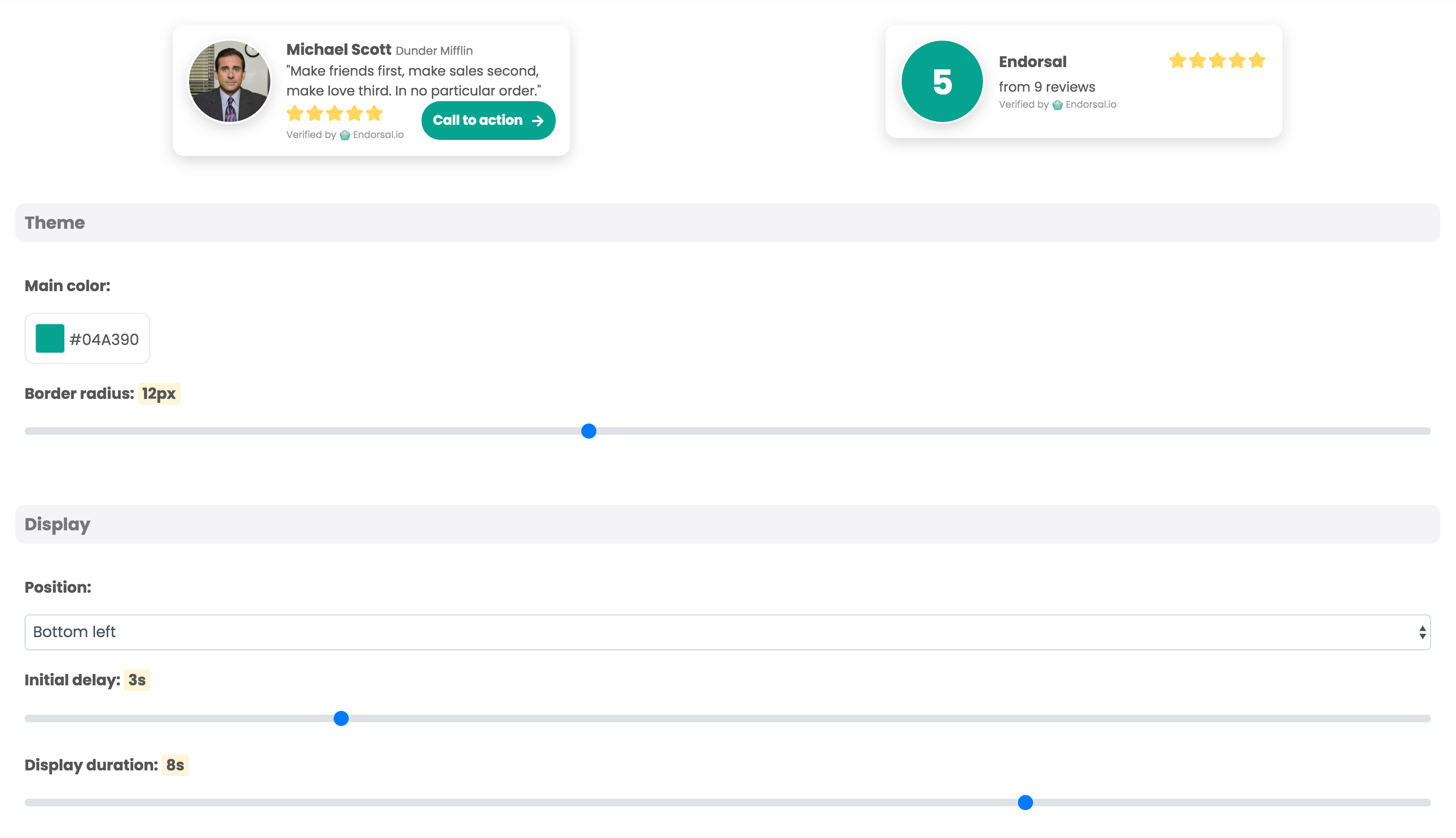
"Display settings" tab
This allows you customise the look and feel of your FOMO popups. You have various options forcolors,style,positioningandanimation.
You can also sethow often the popups display,how long forand thetime gap between each one.
"Display rules" tab
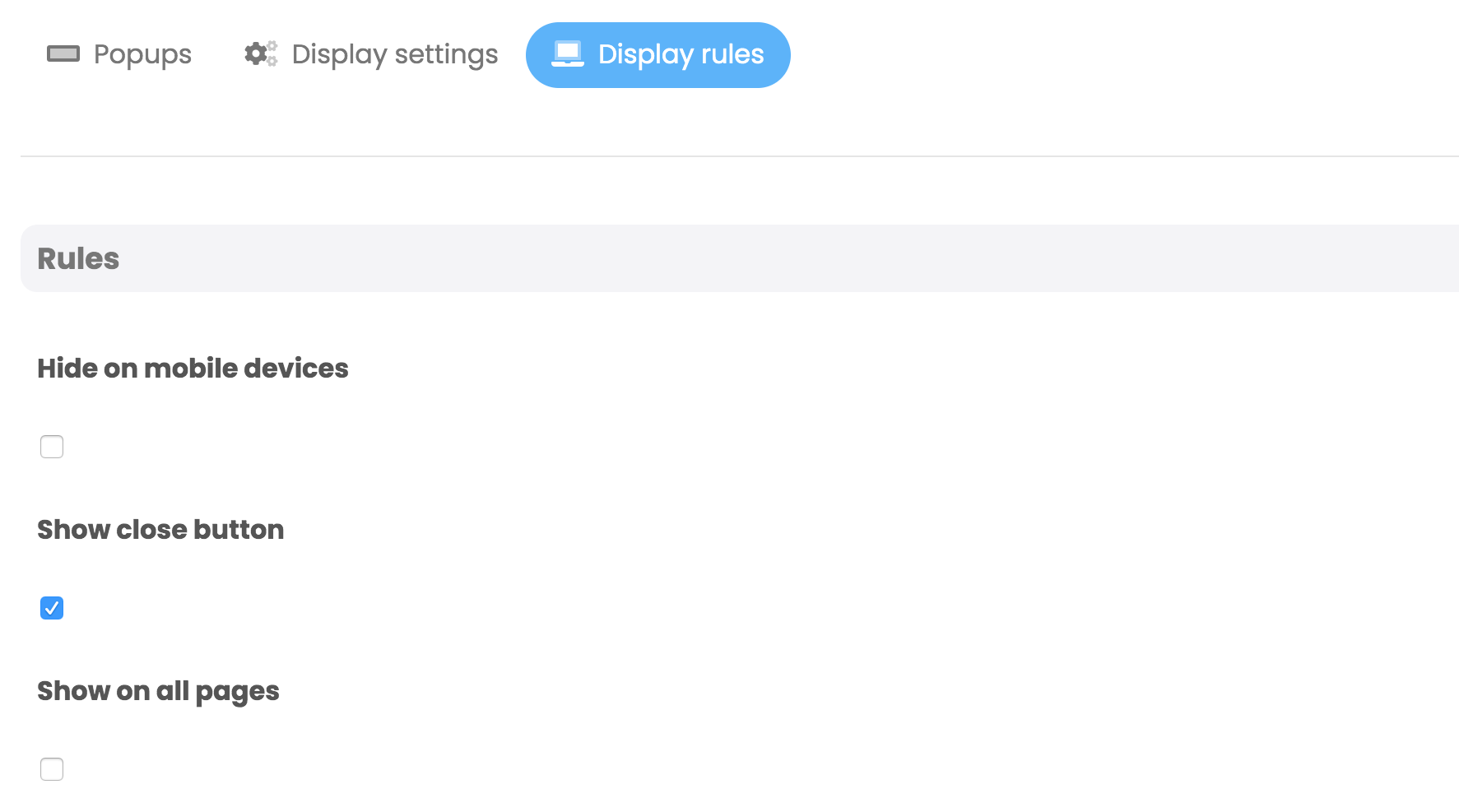
The final tab allows you to set rules for displaying your notifications, including the ability tohide on mobile devices,toggle a close buttonandblacklist certain paths.
Once you're happy with all settings, click the "Save" button at the bottom, head over to your site and you'll be able to see your live FOMO Popups!