Note: Screenshots in this documentation show our white-label platform interface. Your Sokka Reviews dashboard has identical features and functionality with Sokka branding.
Import testimonials from a CSV file
Importing existing testimonials into Sokka Reviews couldn't be easier. A powerful way of doing that is via a CSV file. This guide talks you through how it works.
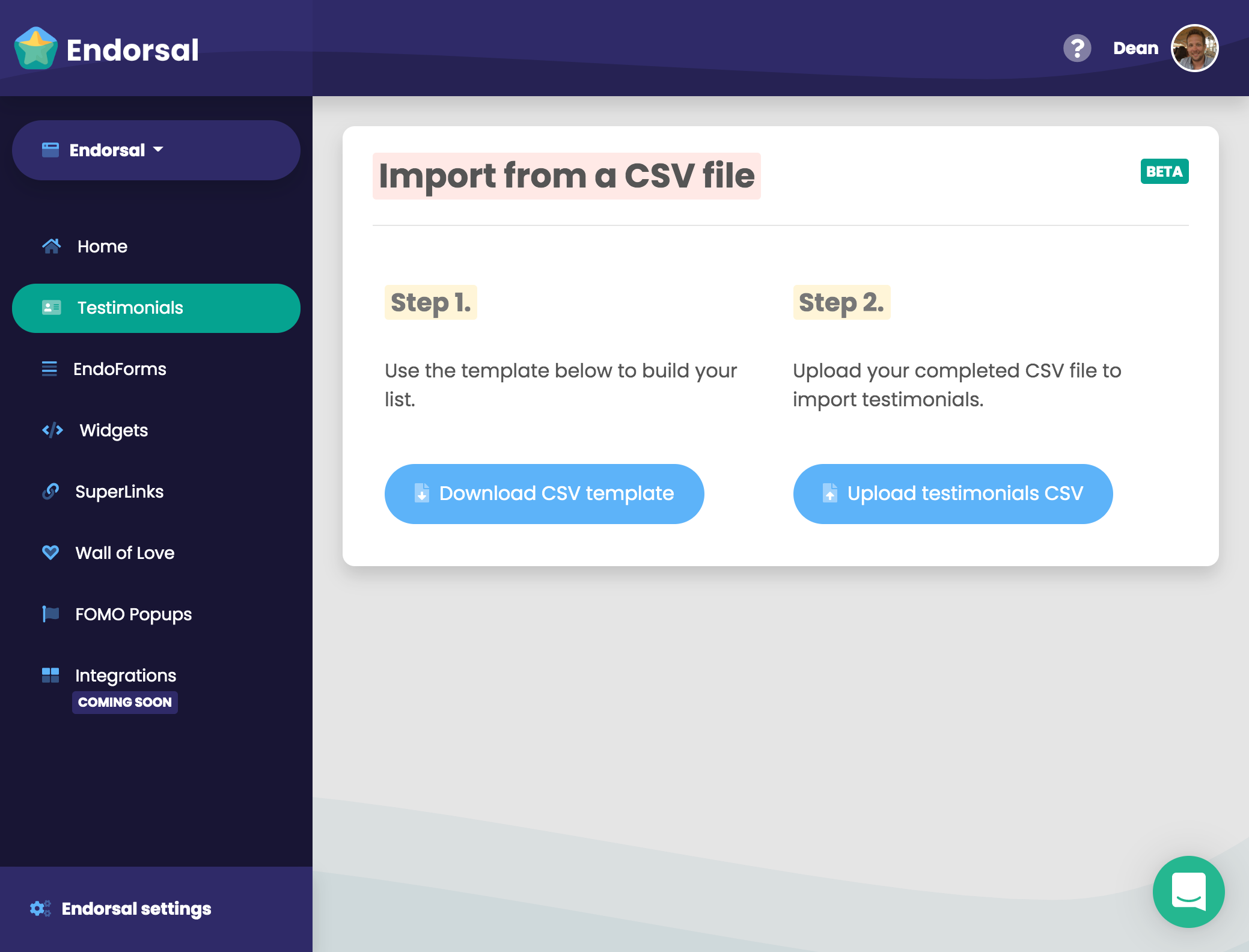
Firstly, head toImport from a CSV file. You can reach this page by clicking on the "Add or import" button on thetestimonials page.
Step 1
Click the "Download CSV template" button to save a file to your computer that reflects the fields you set up inyour EndoForm.
The CSV template will look like this:

Add as many rows containing your customer data to the file as you like and then save it.
Step 2
Upload your completed CSV file to Sokka Reviews using the "Upload testimonials CSV" button and allow the importer to pull through your testimonials.Once complete, you'll be able to see your freshly imported testmonials on thetestimonials page.
Congratulations, you've imported your existing testimonials!