Note: Screenshots in this documentation show our white-label platform interface. Your Sokka Reviews dashboard has identical features and functionality with Sokka branding.
How to add a custom domain for your EndoForm
EndoForms can be easily and securely hosted on your own domain. Each property can have its own subdomain.Head toProperty settings → Custom domain(make sure you've selected the correct property from the dropdown).
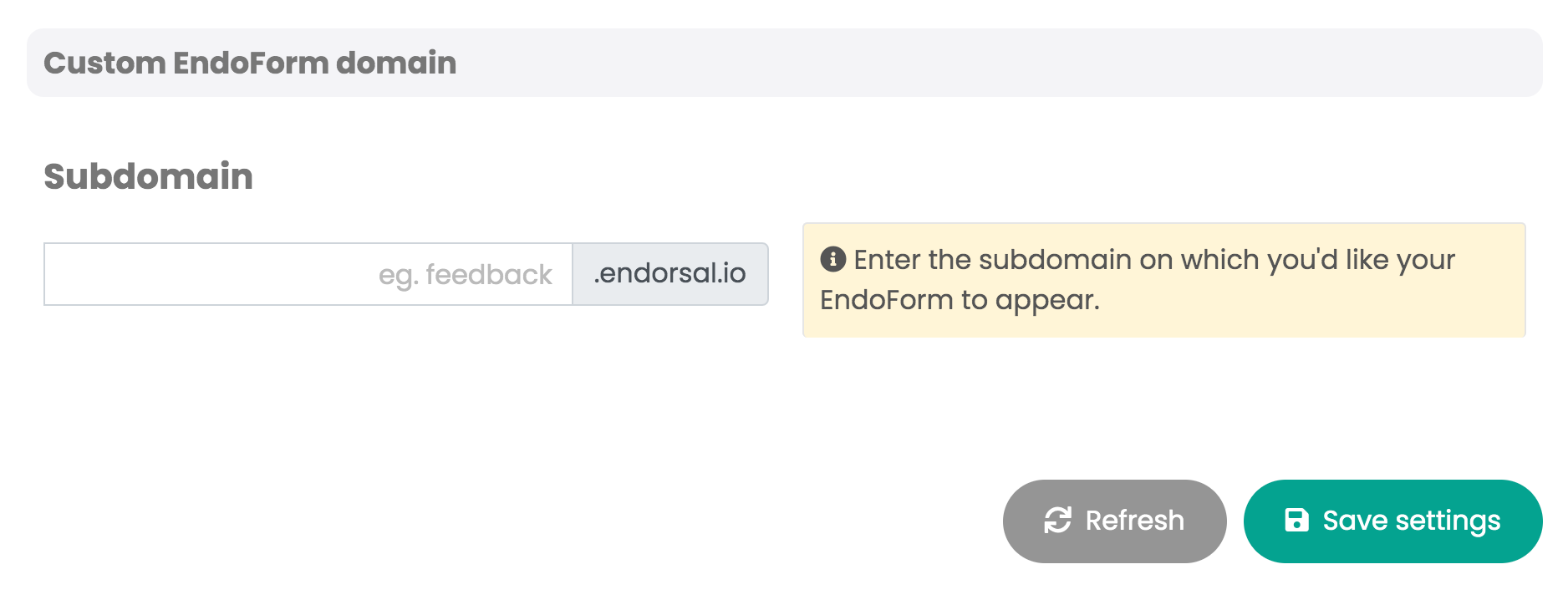
Add the subdomain you'd like to use, eg.feedback.example.com.
You'll then need to addtwo DNS recordsto your hosting provider, both of the type CNAME.
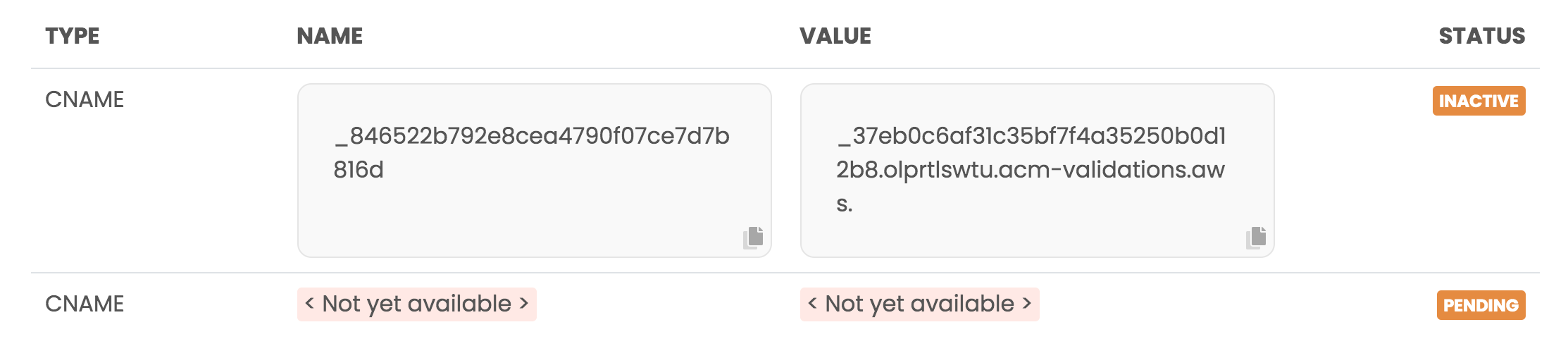
Thefirst record will appear straight away, while thesecond one relies upon the first having been set to ACTIVE.
Once you've added the first record, allow it to propagate or force a DNS refresh. Then head back to Sokka Reviews. Once record one is ACTIVE, record two will appear.
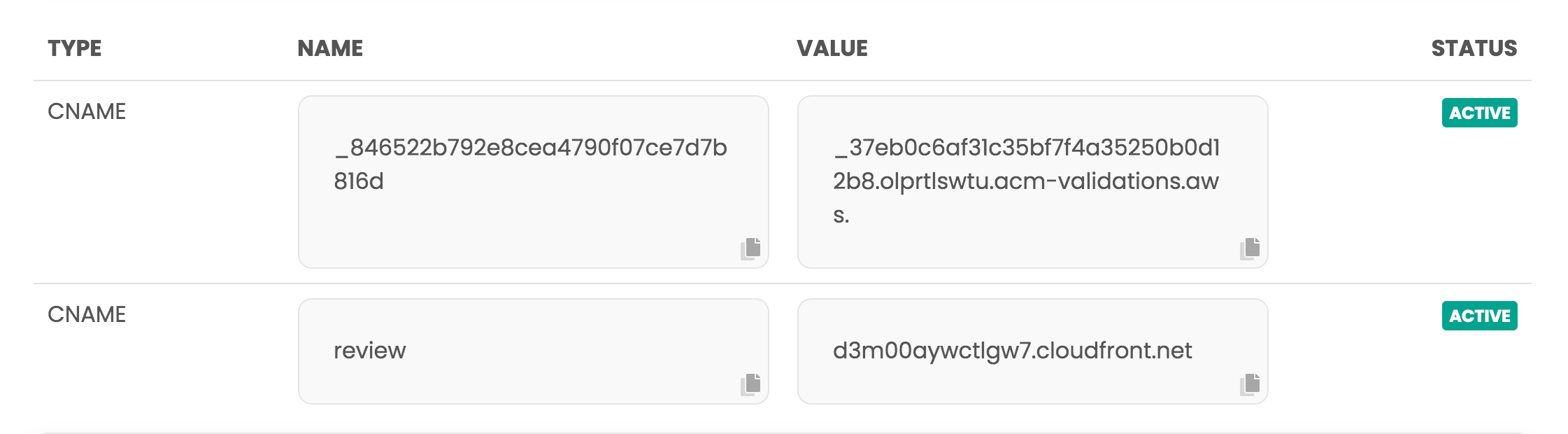
Add the second record and again allow it to propagate the Internet — this may take up to 24 hours.Once complete, your EndoForm will be available at a secure site such assubdomain.example.com.