Note: Screenshots in this documentation show our white-label platform interface. Your Sokka Reviews dashboard has identical features and functionality with Sokka branding.
How do I embed widgets on WordPress?
Adding Sokka Reviews widgets to WordPress is very easy and done in two steps:
Step 1: Global tracking code
On WordPress, go toAppearance > Editorand you'll see the files for your theme. Locate the "Theme Header (header.php)" file and then paste yourglobal tracking codebefore the closing </head> tag.
If you save changes and refresh your site, you should see the tracking code is active on Sokka Reviews.
Another option would be to use a dedicated plugin for managing header code, I can recommend this one:https://wordpress.org/plugins/header-footer-code-manager/
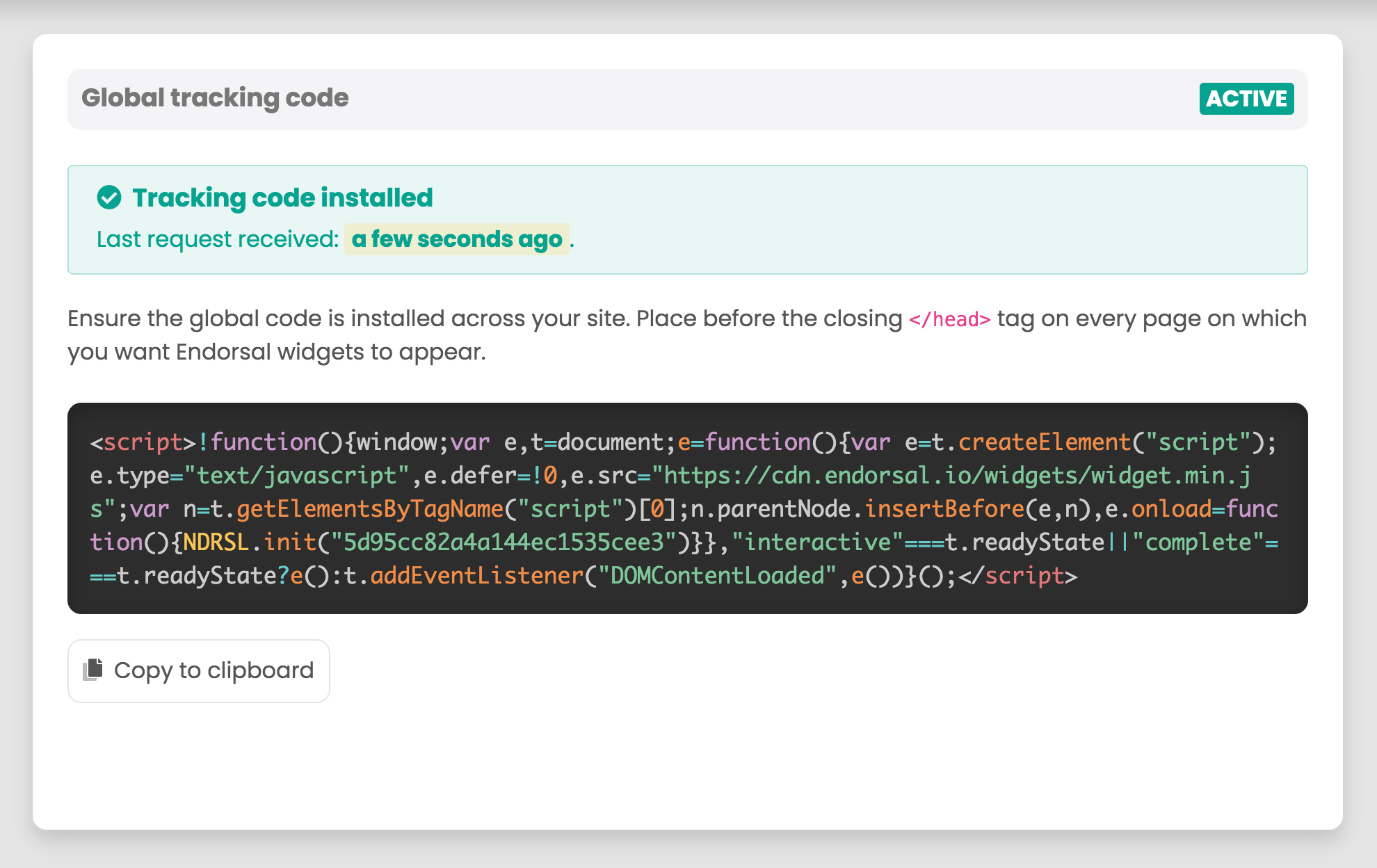
Once this this happens, FOMO popups will automatically display, as long as they are switched on and you haveapprovedtestimonials.
If you want to embed testimonial widgets or Walls of Love, you also need to do step 2:
Step 2: Add the widget code
Find the code on the widget's embed page, which will look like this:
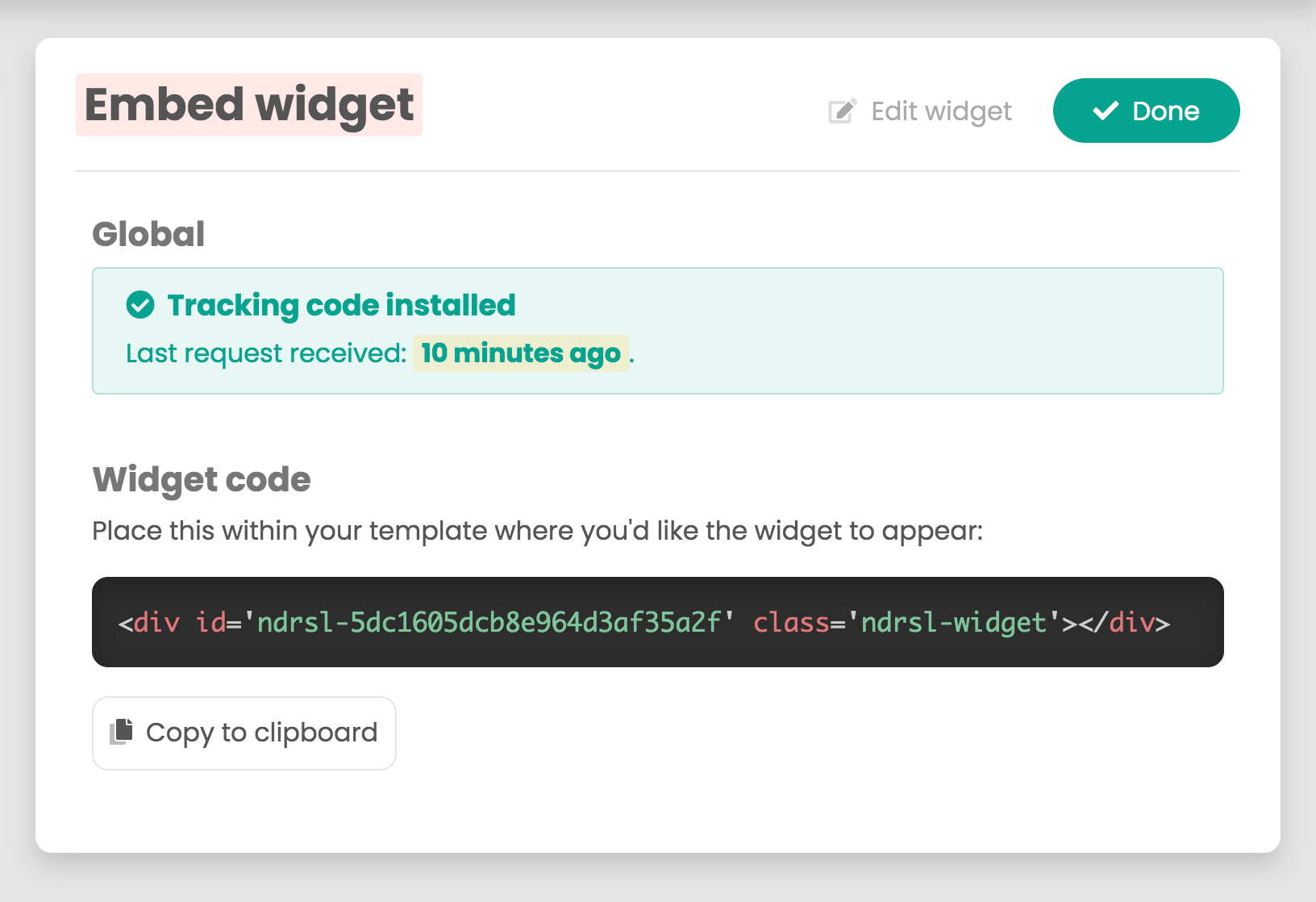
Copy that code and paste that into aWordPress HTML widgetor using another plugin that allows for HTML embeds.
Once that's saved, refresh your site and as long as you haveapprovedtestimonials, your widgets will appear!