Note: Screenshots in this documentation show our white-label platform interface. Your Sokka Reviews dashboard has identical features and functionality with Sokka branding.
Embed a testimonial widget
Firstly, be sure that you'veadded the global tracking code to your websiteand it is active.
Once you've created your widget, you are taken to the Embed widget screen.
To embed an already created widget, head to theWidgets sectionand click the "Embed" icon in the "Actions" column.
This is the screen you are presented with:
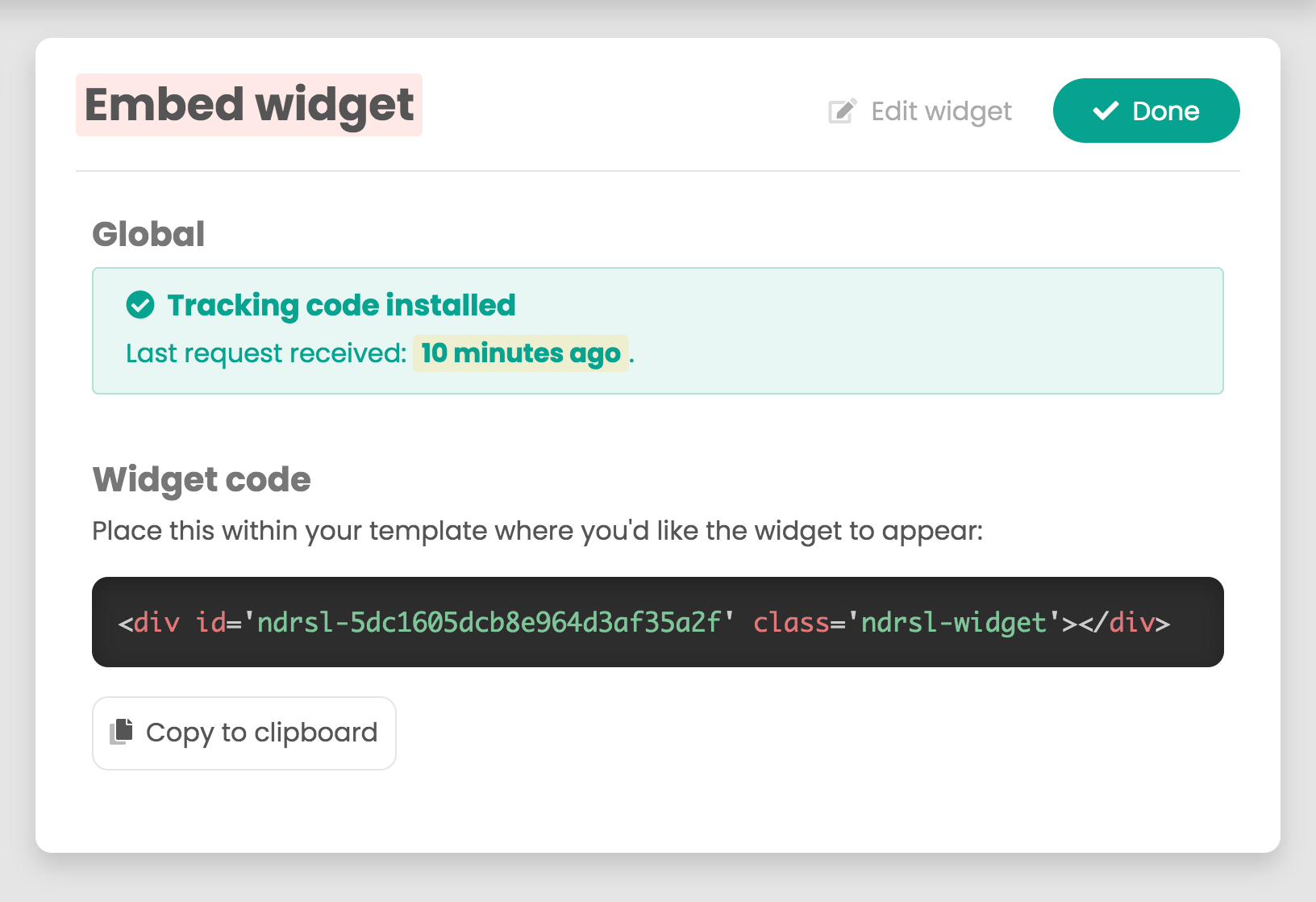
Embedding the widget is very simple. Click "Copy to clipboard" and paste the embed code into your website exactly where you want the widget to appear.
Head over to your website, refresh the page andas long as you haveapproved testimonials, the widget will display.